
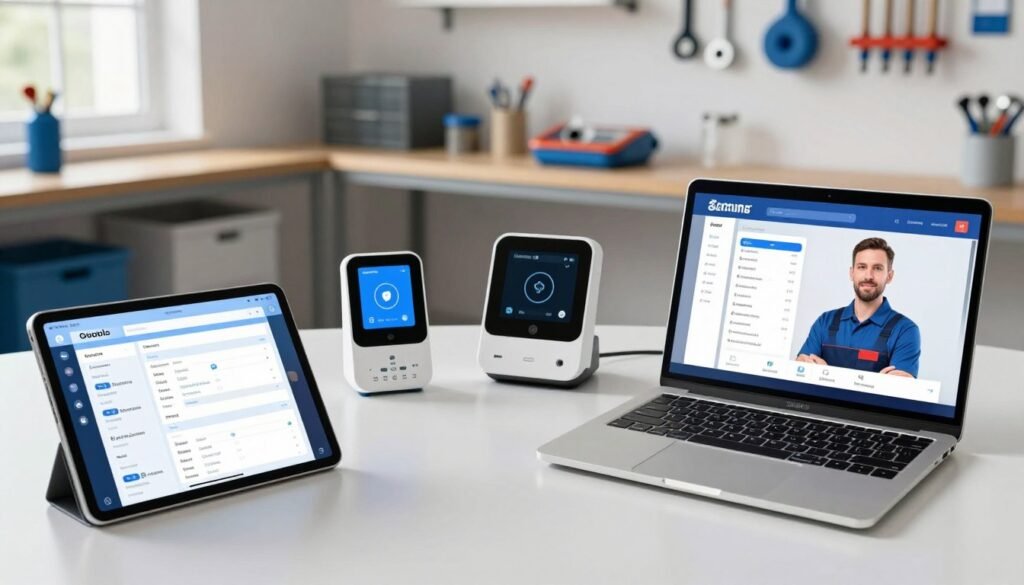
I’ve reviewed leading solutions that help modern plumbing businesses save time and reduce manual errors. In 2026, the industry is moving fast, and smart software is key to staying competitive.
I focus on systems that handle automated scheduling, invoicing, dispatch, and customer service. These platforms cut paperwork and let crews spend more hours on the job.
My analysis covers real vendors such as ServiceTitan and Housecall Pro, and it evaluates how well each solution fits daily field work and back-office needs.
The right setup will book jobs, route technicians, and send final invoices with little manual entry. That means fewer mistakes, faster billing, and better customer experiences.
By choosing the right software, you can win more jobs and scale without adding administrative staff.
Key Takeaways
- Top platforms automate scheduling and reduce travel time.
- Integrated invoicing speeds up payment and cuts errors.
- Customer service features improve satisfaction and retention.
- Good software syncs field crews and office workflows.
- Picking the right system helps small and large shops scale.
Why Modern Plumbing Businesses Need AI
Missed calls and messy spreadsheets are costing small plumbing companies real money today. Industry data shows roughly 60 percent of inbound calls go unanswered. That gap alone removes many potential jobs and emergency work.
More than 40 percent of home service calls occur after normal business hours. Without reliable 24/7 response, companies lose high-value emergency appointments and same-day leads.
Customer experience matters as much as the repair. Eighty percent of customers say service quality shapes their buying choices. When office staff get overwhelmed, follow-ups slip and estimates never turn into paid work.
Unified software that connects phones, forms, and dispatch gives owners clearer data on what drives growth. Automated communication captures every lead, confirms appointments, and sends arrival updates so the team in the field can focus on hands-on work.
- Fewer missed calls: capture more leads and emergency jobs.
- Better scheduling: reduce drive time and speed up response.
- Consistent updates: keep customers informed without extra staff time.
How to Choose the Right AI Tools for Plumbers
Picking the right system starts with matching price and complexity to your crew’s daily routines. I look first at per-user rates, and whether annual billing drops monthly costs. Housecall Pro and similar vendors often change tiers based on billing cycles, so run the numbers for your office and field staff.
Cost and Complexity
Complex platforms can slow adoption. Choose software that your dispatchers and techs learn in days, not weeks.
Onboarding and hands-on support matter more than glossy manuals. I prefer vendors who offer coaching over a basic help desk.
Market Specialization
Verify whether the system targets residential service calls or heavy commercial accounts. That affects scheduling rules, pricing, and how the platform handles multi-property jobs.
Also check reviews from contractors on Capterra and similar sites. Persistent bugs show up there and can disrupt day-to-day operations.
- Scales with company size: confirm pricing fits a five-person crew and a 50-tech operation.
- Connected workflows: ensure dispatch, invoicing, and field notes convert into estimates and invoices automatically.
Essential Features for Field Service Management
I recommend systems that handle everyday calls and long projects equally well. A single platform should route quick service visits and manage repipes or commercial buildouts without extra apps.
Mobile technician app: techs capture photos, collect signatures, and push updates to the office from the job site. That saves time and cuts data entry.
Invoicing and payments: generate invoices from completed work orders and accept on-the-spot payments. Customers get convenient options and you get paid faster.
Reporting and fleet: track tech utilization, average service call value, and first-time fix rates. Fleet management monitors vehicle location, fuel use, and maintenance needs.
Time tracking and CRM: GPS clock-in, geofencing, and customer hierarchies keep payroll and multi-property accounts accurate. Quoting and service agreement features standardize estimates and schedule renewals.
When systems link dispatch, scheduling, and office workflows, plumbing companies win back hours and make smarter decisions using real data.
Streamlining Scheduling and Dispatch Operations
Sending the right technician at the right minute changes how a service day runs. I focus on systems that cut drive time, improve appointment accuracy, and keep the office and field team in sync.
Real Time Dispatching
Real-time dispatching routes the nearest qualified tech to urgent calls. Platforms like BuildOps and AI-assisted dispatching suggest assignments based on skill match, drive time, and current workload.
Technician Mobile Apps
Mobile apps put customer history, asset records, and job details in the hands of techs. Jobber and Sera offer simple mobile workflows that speed notes, quotes, and payments back to the office.
Fleet Tracking
Fleet tracking gives dispatchers live location data so they can reroute trucks and cut fuel waste. Service Fusion excels here, helping companies reduce idle time and respond faster to emergency calls.
| Platform | Best Use Case | Key Feature | Ideal Company Size |
|---|---|---|---|
| BuildOps | Commercial plumbing contractors | Real-time dispatch & notetaking | Medium–Large |
| Jobber | Residential service | Scheduling, quoting, payments | Small–Medium |
| Service Fusion | Fleet management | GPS tracking & routing | Small–Large |
| Tradify / Sera / mHelpDesk | Subcontractor integration & onboarding | Master calendar / fast training | Small–Medium |
When scheduling, dispatch, and fleet data work together, you win back hours, increase first-time fixes, and improve customer satisfaction.
Automating Invoicing and Payment Workflows
Faster billing closes the loop between a technician finishing work and the company getting paid.
Auto-populated invoices pull line items, labor hours, and material costs from a tech’s field notes. That cuts the gap between job completion and invoice delivery and reduces manual entry in the office.
Built-in payment processing lets the team generate an invoice from a completed work order and accept payments on the spot. Automated reminders and scanned invoice recognition reduce follow-up time and unpaid balances.
Consistent proposals come from standardized pricing templates that produce accurate quotes and estimates every time. Integrated reporting flags slow-paying customers or techs whose completion times trend longer, so you can act quickly.
Syncing with QuickBooks or Sage ensures financial data flows across your business. Streamlined payment workflows speed collections, improve cash flow, and build trust with customers — which helps repeat business and referrals.
Enhancing Customer Service with Voice AI

A 24/7 voice intake removes guesswork and captures urgent job details the moment a call connects. That steady coverage helps plumbing companies answer first, even on nights and weekends.
After Hours Call Handling
Whippy is SOC 2 Type II and GDPR-aligned, so customer data stays secure during automated interactions. The system answers inbound calls instantly, screens urgency, and books appointments when appropriate.
Because 40 percent of home service calls occur after hours, this setup prevents high-value emergency jobs from being lost. Transcripts, summaries, and tags push structured data into your CRM so the office and field teams start each job with clean details.
Office staff free up time to handle complex cases and support technicians on-site. No-code workflow builders let managers tweak screening questions and routing logic without engineering help.
- Automated confirmations: reduce no-shows and shorten scheduling gaps.
- Follow-up messages: keep customers informed and more likely to book.
- Consistent responses: build trust and improve customer satisfaction.
Improving Lead Generation and Marketing Performance
I help plumbing companies tighten their marketing so each dollar drives booked jobs. Clear data on which campaigns create paid work cuts wasted ad spend during busy and slow seasons.
Scorpion optimizes Google ads, local SEO, and lead scoring so you see which channels bring profitable jobs. ServiceTitan Marketing Pro segments customers and triggers service reminders that boost repeat calls and membership renewals.
Dashboards let you view inbound leads by source and track conversion metrics in real time. That visibility tells owners which campaigns to scale and which to pause.
| Platform | Best Use | Key Benefit |
|---|---|---|
| Scorpion | Local search & paid ads | Lead scoring and campaign ROI |
| ServiceTitan Marketing Pro | Customer segmentation | Automated reminders & renewals |
| Lead Dashboard | Multi-source tracking | Real-time conversion metrics |
Responding to a lead within five minutes can make you much more likely to convert that call into a booked job. Automated follow-ups on unsold estimates re-engage prospects and turn dormant leads into lower-cost jobs.
Personalized messaging based on job history and equipment increases response rates. Use data to refine quotes and rates, and you will win more commercial and residential work with less guesswork.
Advanced Leak Detection and System Simulation
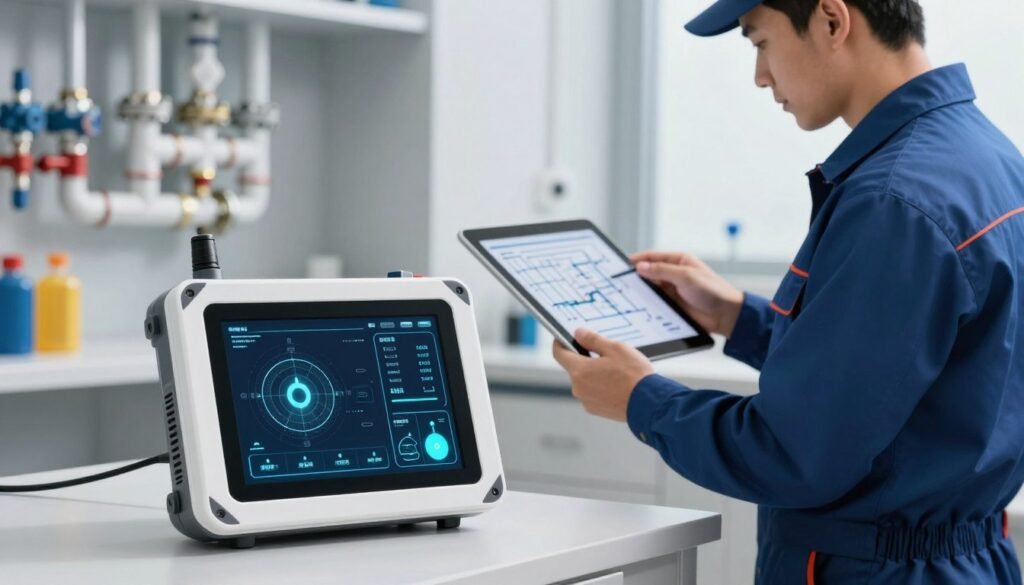
Detecting hidden leaks quickly saves hours of diagnostic time and prevents big repairs. I rely on modern detection and simulation to turn scattered signals into a clear plan before a truck rolls.
Flow and pressure calculation software validates designs by accounting for fixture count, building height, and supply pressure. That means a plumber can check a layout against expected water demand before work begins.
Flow and Pressure Calculation
In trials, leak detection algorithms hit an 80–90% success rate identifying leaks. Systems that analyze sound, moisture, and usage patterns find issues early. Moen Flo uses flow-rate data to alert homeowners to drips and runs in real time, with a suggested action plan.
LeakBot listens to meter pressure and learns normal usage, then pings when patterns deviate. These signals reduce unnecessary call-outs and cut diagnostic time.
Pipe Layout and Routing
Advanced design suites let you visualize pipe runs in 2D or 3D. That catches conflicts with other trades and speeds approvals.
Simulation and troubleshooting model peak demand and temperature swings so you can diagnose problems remotely. When a simulation shows a likely failure point, crews arrive with the right parts and the job gets done faster.
“Show up with a plan; finish with one trip.”
Material planning ties a bill of materials to current stock, preventing mid-job supply runs that waste time. Together, detection, simulation, and inventory checks help me deliver efficient, code-compliant installs that protect the customer’s property and our margins.
Managing Inventory and Supply Chain Logistics
Keeping the right parts on the shelf often decides whether a job finishes on time or turns into an emergency run.
I recommend systems like Sortly and Upkeep that recognize item images, track serial numbers, and flag slow-moving parts. Sortly predicts reorder points based on usage velocity so technicians rarely call the office looking for a fitting or a length of pipe.
Accurate tracking ties parts to each ticket so billing matches work done. That reduces disputes with customers and makes month-end accounting smoother.
Automated reordering prevents mid-job runs to the supply house and saves technician time. Forecasting usage trends cuts the capital tied up in unused warehouse stock and improves cash flow for contractors.
- Predictive reorder points keep essentials like seals and PEX tubing in stock.
- Warehouse flags show which items lock up cash so you can adjust purchasing.
- Integration with dispatch and invoicing software captures job costs automatically.
When inventory and supply chain logistics run well, the office, dispatch, and field team all move faster. Modern software helps plumbing companies stay lean while making sure technicians arrive ready to finish the work.
Integrating AI into Your Daily Business Routine
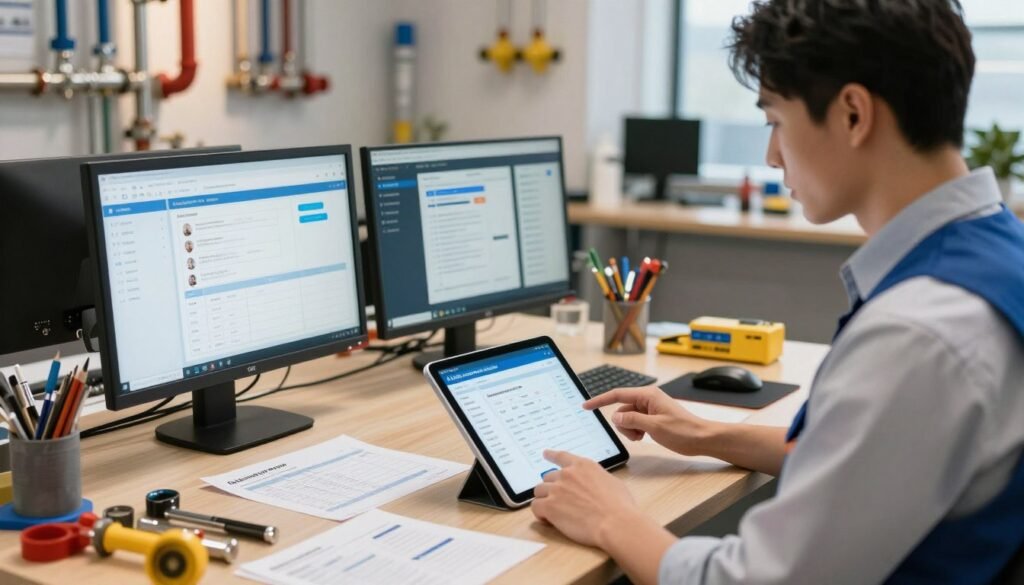
Layering systems that map to the customer journey turns scattered work into predictable outcomes. I recommend starting with core platforms that cover marketing, lead capture, and field service operations.
Building Your Tech Stack
Begin with one pain point and run a short test. I often suggest after-hours call handling for a month to see clear gains in leads and appointments.
Housecall Pro or another FSM becomes the backbone. It handles scheduling, dispatch, and invoicing so your office staff and techs work from the same playbook.
- Phase 1: After-hours answering and lead capture.
- Phase 2: CRM + voice integration to log job details automatically.
- Phase 3: Estimating assistance that speeds accurate quotes and reduces callback rates.
| Layer | Primary Benefit | Metric to Track |
|---|---|---|
| Marketing & Lead Capture | More targeted leads and measurable campaigns | Leads per week, cost per lead |
| Field Service Platform | Centralized scheduling, dispatch, and invoicing | Booking-to-complete time, no-shows |
| CRM + Voice Logging | Consistent job details and fewer missed instructions | Callback rate, estimate turnaround |
“Start small, measure often, and train your team so new systems stick.”
Hold a short lunch-and-learn to show the day-to-day benefits to field techs and office staff. Track ROI with simple KPIs: reduced no-shows, faster estimates, and lower callbacks on leak repairs.
If you add systems step by step, your plumbing company becomes more efficient and data-driven without overwhelming staff or contractors.
Overcoming Common Adoption Challenges
A small pilot and visible quick wins turn skeptical teams into active advocates. I’ve seen plumbing companies move from doubt to buy-in when a few technicians prove new workflows actually save time.
Start with hands-on training. Ask a vendor like Housecall Pro to run dedicated onboarding that gets your office staff and dispatch comfortable with scheduling and job entry. Choose a partner that helps migrate customer and job history so records stay intact.
Run a short pilot with a small crew. Track metrics such as calls handled, no-shows, and booking-to-complete time. Share wins with the whole team and collect feedback to tweak workflows.
Address fears directly: emphasize that software is meant to remove friction, not replace skilled plumbers or staff. Be patient; adoption takes time and leadership commitment.
| Challenge | Practical Step | Outcome |
|---|---|---|
| Resistance to change | Hands-on coaching + pilot | Faster buy-in, reduced pushback |
| Data migration | Vendor-assisted import | Clean records, fewer errors |
| Lack of support | Dedicated onboarding | Office staff trained, smoother dispatch |
“Start small, measure wins, and iterate with your team.”
Conclusion
, When your office and field staff share the same data, decision-making gets faster and mistakes drop.
I recommend you start by identifying one big pain point and testing a single assistant to measure impact. Small pilots reveal clear wins in dispatch and booking.
Integrating voice intake, scheduling, and marketing systems helps your team capture every valuable call and serve customers with speed and consistency.
Use steady, measured rollouts so the team adopts changes without disruption. Over time, consistent use will let your office and dispatch focus on what matters most: delivering excellent service and growing repeat business.