
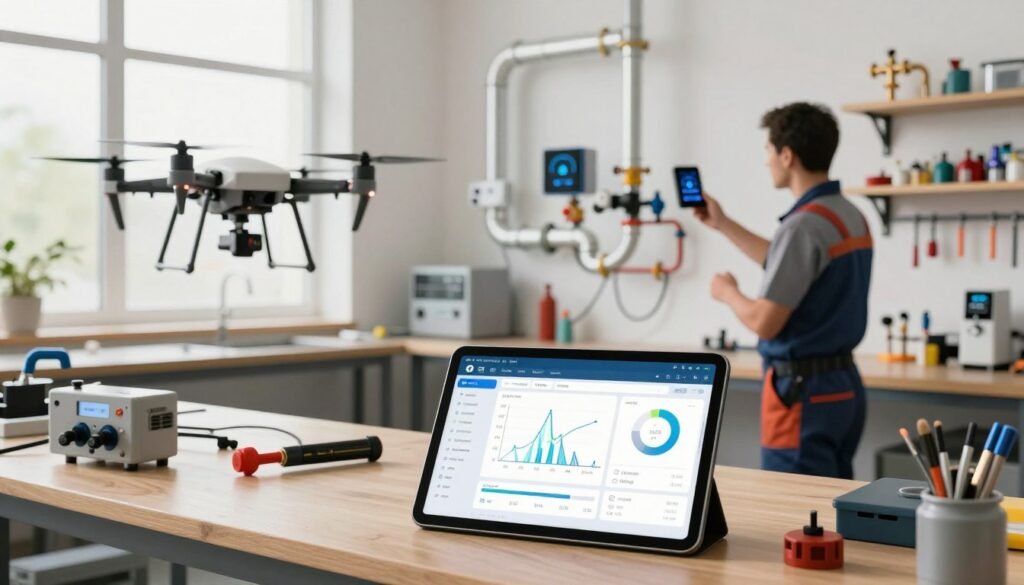
I wrote this guide to help plumbing contractors navigate modern tech and smart diagnostics in 2026. I know how critical the right systems are to run a busy business and keep a reliable team on the road.
Recent tests show leak detection algorithms spot 80–90% of leaks, which means better response and less wasted time. My analysis looks at how software can streamline dispatch, improve estimates, and cut hours spent on office work.
You will learn how to handle emergency calls and appointments with more precision. I explain ways to protect water systems, manage property details, and let techs focus on the pipe and the job instead of manual data entry.
By the end, you’ll have a clear roadmap to pick systems that save time, increase lead conversion, and scale services without adding staff.
Key Takeaways
- Smart diagnostics greatly reduce time spent locating leaks and faults.
- Better dispatch and scheduling cut travel and idle hours for techs.
- Automated estimates and quotes improve accuracy and close rates.
- Integrating data across office and field boosts staff efficiency.
- Adopting the right solutions protects water systems and property details.
- Clear implementation plans help contractors scale services and handle emergencies.
Why Modern Plumbing Businesses Need Automation
I’ve seen service teams transform when routine admin is shifted from people to systems. Today, 80 percent of customers say the experience matters as much as the service itself. That makes automation a business priority, not a novelty.
Modern plumbing companies must streamline scheduling and dispatch so techs reach the right location faster. Automation reduces missed calls and lost leads that otherwise cut into revenue.
Accurate estimates and real-time quotes help close jobs on the first call. The right software gives your office quick visibility into appointments, hours, and field status.
Less manual entry means staff handle high call volumes with less stress. That frees your team to focus on repairs, water pipe work, and emergency response.
- Faster dispatch: fewer drive miles, better daily routing.
- Cleaner data: accurate job histories and customer records.
- Scalability: systems grow as your staff and leads increase.
Core Challenges Facing Today’s Plumbing Contractors
Uncaptured calls and slow routing create invisible leaks in most plumbing company revenues. I see two main pressure points: missed inbound calls and operational friction during busy periods.
Missed Revenue from Unanswered Calls
Industry data shows small businesses miss roughly 60 percent of inbound phone calls. That level of missed contact directly costs jobs and repeat customers.
More than 40 percent of home service calls arrive after normal business hours. Without automated intake, many calls go unanswered and prospects call competitors.
Operational Friction During Peak Demand
When the office is overloaded, scheduling and dispatch slow down. I have seen staff struggle to route the right tech to the right job, which wastes time and increases drive miles.
Effective data management helps companies see which marketing channels send valuable calls. Your team needs reliable systems to log every service call and close more jobs during busy hours.
| Challenge | Impact | Quick fix |
|---|---|---|
| Unanswered calls | Lost jobs and lower conversion | 24/7 intake & call capture |
| After-hours demand | Missed emergency revenue | Automated scheduling |
| Poor dispatch | Inefficient routing, longer hours | Real-time field visibility |
How AI Tools for Plumbers Transform Daily Operations
I’ve watched daily workflows change when repetitive office tasks get automated. Routine entry that once took hours now completes in minutes. That frees staff to handle more calls and focus on plumbing work.
Field service software can capture job details at intake and push them straight into dispatch. Techs arrive with accurate appointment notes and parts lists. That cuts wasted trips and reduces late arrivals.
- Faster response: customers hear back within minutes, which lifts lead conversion.
- Smarter routing: scheduling optimizes techs’ day to save time and fuel.
- Professional estimates: automated quotes speed approvals and improve rates.
Real-time data keeps your office and field in sync. With fewer manual steps, plumbing companies handle more jobs without adding staff. I believe this shift helps contractors work smarter and deliver better service every day.
| Benefit | What it fixes | Typical result |
|---|---|---|
| Automated scheduling | Missed appointments | Fewer no-shows, accurate arrival windows |
| Instant job capture | Poor job details | Better dispatch and faster resolutions |
| Automated estimates | Slow approvals | Higher close rates and faster billing |
Essential Features to Evaluate Before Investing
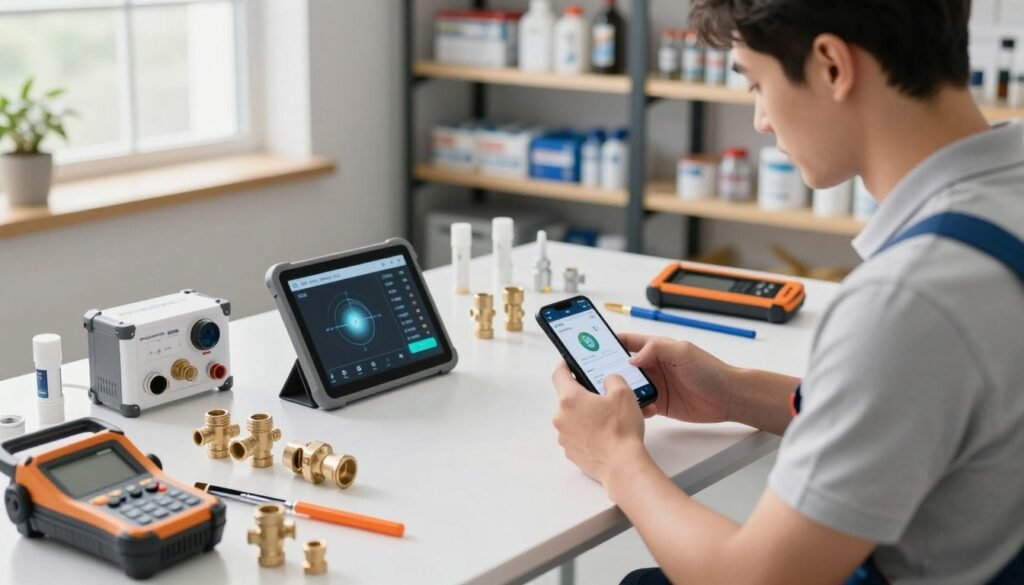
I recommend a short checklist before you commit. Focus on cost, adoption by your crew, and how the system connects to the systems you already use. These three areas decide whether a purchase saves time or becomes another burden.
Cost and Scalability
Choose software with clear pricing and predictable upgrades. I look for per-user or per-job fees that scale up without surprise charges.
Tip: model costs two years ahead to see true ROI.
Ease of Adoption for Field Techs
Field adoption wins or loses implementations. Keep interfaces simple so technicians spend more time on the job and less on screens.
Train quickly: vendors that offer hands-on onboarding cut the learning curve and reduce resistance.
Integration Capabilities
Ensure the platform syncs with your CRM, dispatch, and accounting systems. Good integrations prevent duplicate entry and keep the office and field aligned.
Data that flows automatically improves scheduling and customer communication.
| Feature | Why it matters | What to test |
|---|---|---|
| Pricing model | Controls ongoing cost | Project costs for 24 months |
| User experience | Drives field adoption | Run a pilot with 2–3 techs |
| Integration | Eliminates manual entry | Sync sample jobs with your CRM |
- I advise prioritizing vendors that offer robust support and training for your office and crew.
- Look for systems that simplify scheduling and customer messages to ensure consistent service.
- Clear performance data helps contractors make better operational decisions.
Top Management Software for Field Service Teams
I review key platforms that help plumbing companies run scheduling, dispatch, and job tracking with less friction.
BuildOps targets commercial plumbing contractors and holds a 4.5 rating on Capterra from 151 reviews. It fits companies that need robust project and data controls.
Jobber is a top pick for residential plumbing companies. It scores 4.6 from 1,420 reviews and shines at simple scheduling and customer workflows.
Service Fusion adds advanced fleet management and rates 4.3 from 290 reviews. It helps offices manage vehicles, routes, and field job status.
Sera offers fast onboarding for small teams at $399/month for up to four technicians. It gets crews up and running quickly.
| Platform | Best fit | Capterra rating | Why choose |
|---|---|---|---|
| BuildOps | Commercial plumbing | 4.5 (151) | Project controls, data visibility |
| Jobber | Residential plumbing | 4.6 (1420) | Easy scheduling, customer care |
| Service Fusion | Fleet-heavy teams | 4.3 (290) | Fleet and route management |
| Sera | Small to mid teams | — | Fast onboarding, clear pricing |
Pick the system that matches your day-to-day work. The right software helps your office capture calls, reduce travel time, and keep techs focused on quality service.
CRM and Sales Platforms for Growing Your Client Base
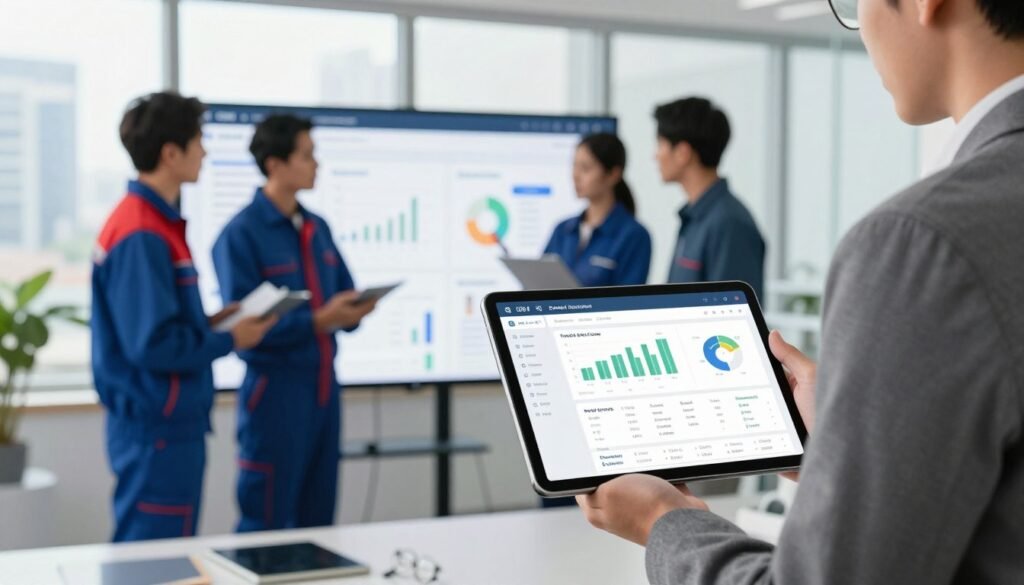
A focused CRM turns scattered leads into steady work and predictable revenue. I see plumbing companies win when they treat sales like a repeatable process. Good software captures calls, schedules follow-ups, and records every customer note.
Lead Nurturing and Proposal Automation
Automated proposals save your office time and speed approvals. I recommend platforms that send timed reminders and track when customers open quotes.
“Tracking every interaction makes it easier to personalize outreach and close more jobs.”
Buildertrend offers construction-grade features that many plumbing companies adapt to capture and close more leads. It manages property details, service history, and complex quotes.
- Automate proposals to reduce manual quoting time.
- Log customer interactions so follow-ups never fall through.
- Store property records and past job notes for faster onsite work.
| Feature | Benefit | Who it helps |
|---|---|---|
| Proposal automation | Faster approvals, fewer lost leads | Office staff, sales reps |
| Customer history | Personalized service, repeat business | Field technicians, dispatch |
| Marketing tracking | Better campaign ROI | Owners, marketing teams |
My research shows firms using dedicated sales software improve lead conversion and reduce time spent chasing quotes. I believe investing in the right platform is a game-changer for contractors who want to grow their service business.
Advanced System Design and Simulation Tools
Modeling complex pipe layouts upfront cuts guesswork and keeps projects on schedule. I use simulation to map flow, pressure, and clearances before any crew arrives.
Commercial projects benefit most. Large-scale designs reveal clashes with other trades and prevent costly on-site changes.
Simulation software also improves estimates. When I run a model I can list precise material needs and reduce waste on the job.
Design checks ensure systems meet local code and perform under peak demand. That boosts service quality and lowers callbacks.
- Detects pipe conflicts with HVAC and structure
- Accurately tallies materials and labor
- Reduces on-site rework and extra time
| Capability | Why it matters | Expected result |
|---|---|---|
| 3D layout modeling | Finds clashes early | Faster installs, fewer change orders |
| Load & flow simulation | Verifies performance | Systems meet demand, fewer callbacks |
| Material takeoff | Precise cost estimates | Lower waste, accurate bids |
Smart Leak Detection and Diagnostic Technology
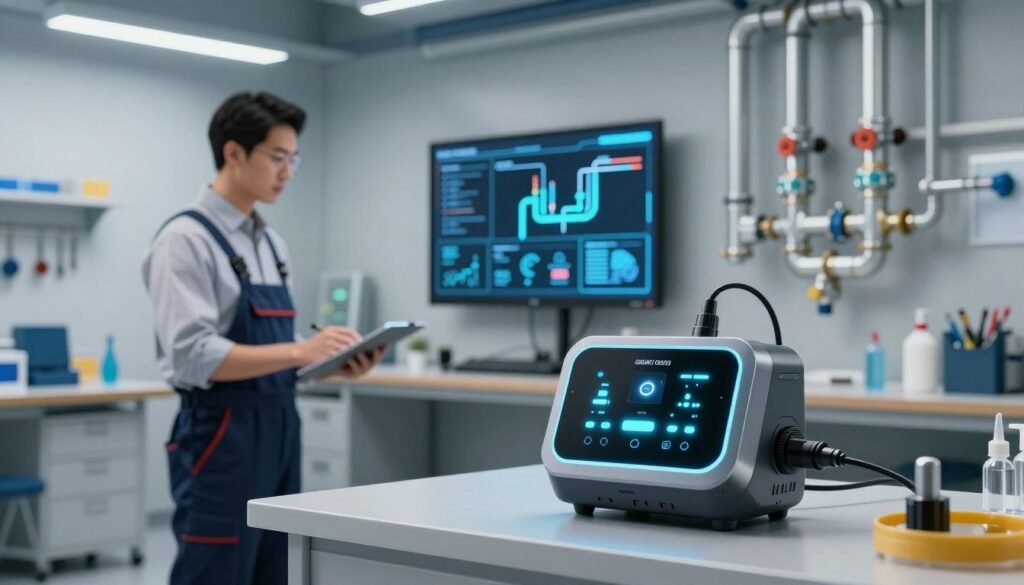
Detecting tiny pressure changes early saves time, money, and reputation for plumbing companies. Smart monitoring moves many jobs from emergency fixes to planned maintenance.
Real Time Monitoring Systems
Moen Flo by Moen uses flow-rate data to alert homeowners to drips and runs in real time. That alerting lets your service team act before water damage spreads.
LeakBot plugs into existing meters and listens for pressure anomalies. It builds a normal-use profile so deviations stand out and point you to the right location.
Data Driven Diagnostics
These systems supply clear data that helps you pinpoint a leak and estimate parts and labor with confidence. I have seen this reduce callbacks and speed up field repairs.
- Real-time alerts prevent costly water damage and emergency calls.
- Pressure profiling narrows the leak location, saving techs time on site.
- Data-backed reports let your office create higher-value maintenance plans.
Bottom line: smart leak detection gives your company actionable data, better customer outcomes, and more efficient dispatch and scheduling.
Automating Customer Communication and Intake
I recommend an intake system that converts random inquiries into scheduled work and steady revenue. This change matters most to plumbing companies that need to capture calls after hours and during busy days.
Whippy acts as a 24/7 AI intake assistant. It answers incoming calls, screens urgency, and books appointments without tying up your office staff.
I have found these systems let plumbing businesses respond to customer calls within minutes. Fast responses increase booking rates and reduce lost jobs.
Automated confirmations and reminders cut no-shows and keep your team’s schedule full. All call details sync into your CRM so dispatch and field service techs arrive ready with job specifics.
“An intake assistant that never sleeps ensures your business never misses a call, even on weekends or during seasonal spikes.”
- Capture more leads during after-hours emergency windows.
- Free office staff to focus on higher-value work and marketing follow-up.
- Keep appointments, reduce downtime, and improve customer satisfaction.
Bottom line: evaluate communication software that automates intake and scheduling to grow your client base and make every call count.
Inventory Management and Supply Chain Efficiency
Keeping the right parts on the truck prevents small delays from turning into big job setbacks.
Inventory management software is crucial for plumbing companies that want to avoid mid-job delays. I have seen systems like Sortly predict reorder points and cut emergency parts runs.
Automated stock tracking reduces the time technicians spend at supply houses and gets them back to the job faster.
These platforms also help your office plan better. Real-time data shows stock availability, so scheduling and dispatch match parts to appointments.
“When inventory is visible, customers get faster service and your team finishes more jobs each day.”
- Optimize cash flow by identifying slow-moving parts.
- Cut trips and increase billable time in the field.
- Use stock alerts to prevent project delays and improve customer outcomes.
| Function | Benefit | Typical result |
|---|---|---|
| Real-time stock | Accurate job planning | Fewer mid-job parts orders |
| Automated reorders | Consistent availability | Less downtime, faster service |
| Usage analytics | Better cash flow | Lower carry costs, smarter buys |
Bottom line: integrating inventory into your tech stack is essential to scale a plumbing business and keep customers satisfied.
Building Your Custom AI Tech Stack
Design your stack around the day-to-day job flow: intake, dispatch, field execution, billing.
Start with an assistant that captures calls and books appointments 24/7. I often recommend Whippy to prevent missed leads and reduce office load.
Next, layer dispatch and scheduling with platforms like Housecall Pro to route techs and keep the field updated. Add ServiceTitan for marketing and analytics to connect campaigns to real job revenue.
Focus on clear data and reporting so your office can measure estimates, quotes, and conversion rates. Train your team on the stack—adoption is the key to real gains.
| Component | Role | Primary benefit |
|---|---|---|
| Intake assistant | Capture calls & leads | Fewer missed appointments, steady leads |
| Dispatch & scheduling | Route techs to jobs | Reduced drive time, higher capacity |
| Marketing & CRM | Track campaigns to revenue | Better lead quality, higher rates |
| Reporting & inventory | Sync data with office | Accurate estimates and faster billing |
Bottom line: a tailored stack helps plumbing companies win more jobs, serve customers faster, and scale without adding staff.
Conclusion
To finish, I’ll lay out a simple path to turn better intake and scheduling into measurable profit. I recommend strong, practical steps that your team can trial in a single week.
Automating scheduling, dispatch, and customer communication saves time and helps techs focus on quality plumbing work. Start small: pick one high-impact area such as missed calls or manual estimates and run a short pilot.
Measure ROI, train your crew, and expand the stack as adoption grows. With the right approach your business will handle more jobs, lift customer satisfaction, and scale with confidence—one pipe at a time.